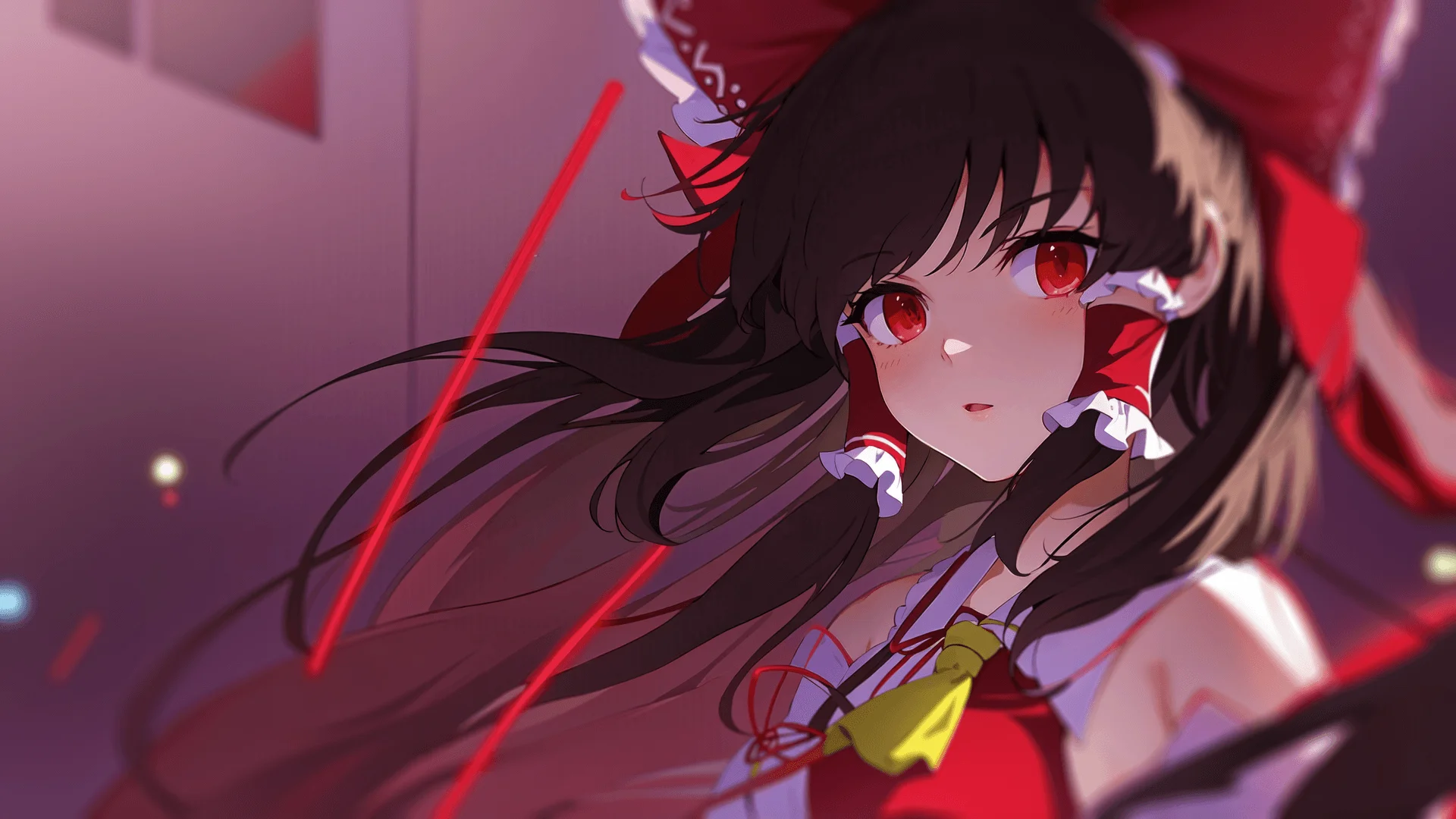
2026-09-27 2026-09-27 第三届百校天则北航摊位的小游戏,把代码扔这。 script.py 123456789101112131415161718192021222324252627282930313233343536373839404142434445464748495051525354555657585960616263646566676869707172737475767778798081828384858687888990919293949596979899100101102103104105106107108109110111112113114115116117118119120121122123124125126127128129130131132133134135136137138139140141142143144145146147148149150151152153154155156157158159160161162163164165166167168169170171172173174175176177178179180181182183184185186187188189190191192193194195196197198199200201202203204205206207208209210211212213214215216217218219220221## 涩图收集机器人## by SAKdefine config.rollback_enabled = False# 读文件init python: import csv color_map = { "红色": "#FF3300", "黄色": "#CCFF00", "绿色": "#00FF33", "青色": "#00CCFF", "蓝色": "#3300FF", "洋红": "#FF00CC", "深红": "#993300", "棕色": "#996633", "金色": "#FFCC00", "深绿": "#009933", "深蓝": "#330099", "紫色": "#CC00FF", "粉色": "#FF99CC", "黑色": "#000000", "银色": "#999999", "白色": "#CCCCCC" } options_question = [] with renpy.open_file("questions.csv", encoding="utf-8") as csvfile: # csv文件格式:多多良小伞\n(左侧瞳色),八意永琳\n(上衣左侧),八意永琳\n(帽子),封兽鵺\n(左侧翅膀),红色,蓝色 reader = csv.reader(csvfile) for row in reader: options_question.append({ "option": [row[0].replace("\\n", "\n"), row[1].replace("\\n", "\n"), row[2].replace("\\n", "\n"), row[3].replace("\\n", "\n")], "right_color": color_map.get(row[4], "#FFFFFF"), "wrong_color": color_map.get(row[5], "#FFFFFF") }) def add_rankings(): with open(config.gamedir + "/rankings.csv", "a", newline="", encoding="utf-8") as csvfile: writer = csv.writer(csvfile) writer.writerow([name, score, total_time])# 定义常量和变量default total_question = 0default selected_question = 10default count_question = 0default name = ""default score = 0default total_time = 0default penalty_time = 10default isPlay = Falsedefault isAnswered = Falsedefault isCorrect = Nonedefault seq_q = []default seq_opt = range(4)default options_guide = { "option": ["十六夜咲夜\n(发色)", "博丽灵梦\n(发色)", "蓬莱山辉夜\n(发色)", "射命丸文\n(发色)"], "right_color": "#999999", "wrong_color": "#000000" }# 定义角色define c = Character("八云蓝", color="#66ccff", image="chara")image side chara = "chara.png"# 头像的转场(从参考文档上抄的)transform change_transform(old, new): contains: old yalign 1.0 xpos 0.0 xanchor 0.0 linear 0.2 xanchor 1.0 contains: new yalign 1.0 xpos 0.0 xanchor 1.0 linear 0.2 xanchor 0.0define config.side_image_change_transform = change_transform# 罚时效果transform pop_up(): alpha 0.0 align (0.9, 0.2) linear 0.5 alpha 1.0 yalign 0.1 linear 0.5 alpha 0.0 yalign 0.0screen penalty(): text "+[penalty_time]s" size 72 color "#FF3300" at pop_up# 计时器screen screen_timer(): text "time: [total_time / 10] s" size 72 color "#3300FF" align (0.9, 0.1) if isPlay == True: timer 0.1 action SetVariable("total_time", total_time + 1) repeat True# 演示题目screen guide(): modal True grid 2 2: align (0.5, 0.5) spacing 100 for i in seq_opt: button: xysize (800, 200) text options_guide["option"][i] size 72 align (0.5, 0.5) text_align 0.5 if isAnswered == False: background "#666666" hover_background "#333333" if i == 0: action [SetVariable("isAnswered", True), SetVariable("isCorrect", True), Return()] else: action [SetVariable("isAnswered", True), SetVariable("isCorrect", False), Return()] else: if i == 0: background options_guide["right_color"] else: background options_guide["wrong_color"] action Return() # 这里把isAnswered放外面,从而多说几句 dismiss action Return()# 题目screen question(): modal True if isAnswered == False: on "show" action [SetVariable("isPlay", True), ] grid 2 2: align (0.5, 0.5) spacing 100 for i in seq_opt: button: xysize (800, 200) text options_question[seq_q[count_question]]["option"][i] size 72 align (0.5, 0.5) text_align 0.5 if isAnswered == False: background "#666666" hover_background "#333333" if i == 0: action [SetVariable("isPlay", False), SetVariable("isAnswered", True), SetVariable("isCorrect", True), Return()] else: action [SetVariable("isPlay", False), SetVariable("isAnswered", True), SetVariable("isCorrect", False), Return()] else: if i == 0: background options_question[seq_q[count_question]]["right_color"] else: background options_question[seq_q[count_question]]["wrong_color"] action [SetVariable("isAnswered", False), SetVariable("isCorrect", None), Return()] dismiss action [SetVariable("isAnswered", False), SetVariable("isCorrect", None), Return()]# 统计题数label counting(): $ total_question = len(options_question) if selected_question > total_question: $ selected_question = total_question $ seq_q = range(total_question) $ renpy.random.shuffle(seq_q) return# 新手指南label guiding(): c "如你所见,这是eraBUAA2.0。" c "它的原型是第二届百校天则北航摊位的答题小游戏eraBUAA。" c "eraBUAA2.0使用Ren'Py重写,其形式也从答题变成第七届空之航路的节目“涩图收集机器人”。" c "空之航路是北航的例会,举办过很多届!" c "还有下一届吗?我不知道。。。" c "不过空之航路是全年龄例会,所以并不会出现真的涩图。" c "那么“涩图”到底是什么意思呢?看例题就知道了——" show screen guide c "试着选出你认为正确的选项吧。" hide screen guide show screen guide if isCorrect == True: c "正确!" else: c "错误!" c "如你所见,选项“博丽灵梦(发色)”、“蓬莱山辉夜(发色)”、“射命丸文(发色)”都是黑色,而选项“十六夜咲夜(发色)”则是银色,因此选择该项。" c "所以“涩图”的“涩”是“颜色”的“色”。" c "不难看出这就是找不同,是不是很简单呢?" c "每道题的正确选项都会和其他选项有很大差别,所以这是一个色弱友好的游戏。" c "幻想乡的大家不知为何会像奶龙一样变色,不过请不用担心,所有选项均以Gift社的1.0版Fumo为准。这是一条很重要的提示,可不要忘了哦。" c "对了!小游戏有计时和罚时环节。" show screen screen_timer c "看到右上角的计时器了吗?在答题时它会不停滚动,如果答错的话会有[penalty_time]秒的罚时。" c "试着以极致的速度和准度通关吧。" hide screen screen_timer $ isAnswered = False $ isCorrect = None hide screen guide c "那么教程到这里就结束了,游戏要开始了哦,你需要回答[selected_question]道题。" return# 答题label questioning(): while count_question < selected_question: $ renpy.random.shuffle(seq_opt) show screen question c "第[count_question + 1]题:" hide screen question show screen question if isCorrect == True: $ score += 1 c "正确!" else: $ total_time += penalty_time * 10 $ renpy.show_screen("penalty", _transient=True) c "错误!" hide screen question $ count_question += 1 return# 主程序label start: call counting from _call_counting scene bg with fade c "你好,我是八云蓝。" c "欢迎来到百校天则北航摊位。" c "请告诉我你的名字。" $ name = renpy.input("你的名字是什么?(输入完成后请按回车)", length=32) c "你好,[name]。" menu: "。。。这是什么?": call guiding from _call_guiding "我已经了解游戏的规则了,让我们开始吧!": pass c "让我们开启计时器。。。" show screen screen_timer c "3,2,1,开始!" call questioning from _call_questioning c "答题到此为止了!" c "让我看看你的成绩。。。" c "你的成绩是[score * 10]分,时长是[total_time / 10]秒。" c "不错的成绩呢,领取一份奖品吧。" c "北航摊位还有其他有趣的小游戏,其他学校的摊位也是!" c "去北化摊位看看吧!" c "祝你在百校天则玩得开心,再见!" $ add_rankings() return script.py 123456789101112131415161718192021222324252627282930313233343536373839404142434445464748495051525354555657585960616263646566676869707172# 在开头加入init python: import csv rankings = [] def load_rankings(): global rankings rankings = [] with renpy.open_file("rankings.csv", encoding="utf-8") as csvfile: reader = csv.DictReader(csvfile, fieldnames=["name", "score", "total_time"]) for row in reader: rankings.append(row)# “导航屏幕”改成这个screen navigation(): vbox: style_prefix "navigation" xpos gui.navigation_xpos yalign 0.5 spacing gui.navigation_spacing if main_menu: textbutton _("开始游戏") action Start() textbutton _("排行榜") action ShowMenu("ranking") textbutton _("关于") action ShowMenu("about") textbutton _("退出") action Quit(confirm=not main_menu)style navigation_button is gui_buttonstyle navigation_button_text is gui_button_textstyle navigation_button: size_group "navigation" properties gui.button_properties("navigation_button")style navigation_button_text: properties gui.text_properties("navigation_button")# “关于屏幕”前面加个这个screen ranking(): $ load_rankings() tag menu use game_menu(_("排行榜"), scroll="viewport"): vpgrid: cols 3 yspacing 40 xfill True draggable True mousewheel True text "Name" size 40 layout "nobreak" text "Score" size 40 layout "nobreak" text "Total time (s)" size 40 layout "nobreak" for i in range(len(rankings) - 1, -1, -1): text "[rankings[i]['name']]" size 40 layout "nobreak" text "[int(rankings[i]['score']) * 10]" size 40 layout "nobreak" text "[int(rankings[i]['total_time']) / 10]" size 40 layout "nobreak"# 其他地方不改 Prev 关于恶魂和西行寺幽幽子是同一个角色的论证 Next 例会拾遗